


Workplace Eye Health - Make Your Eyes Work For You w/ Computer Progressive Lenses
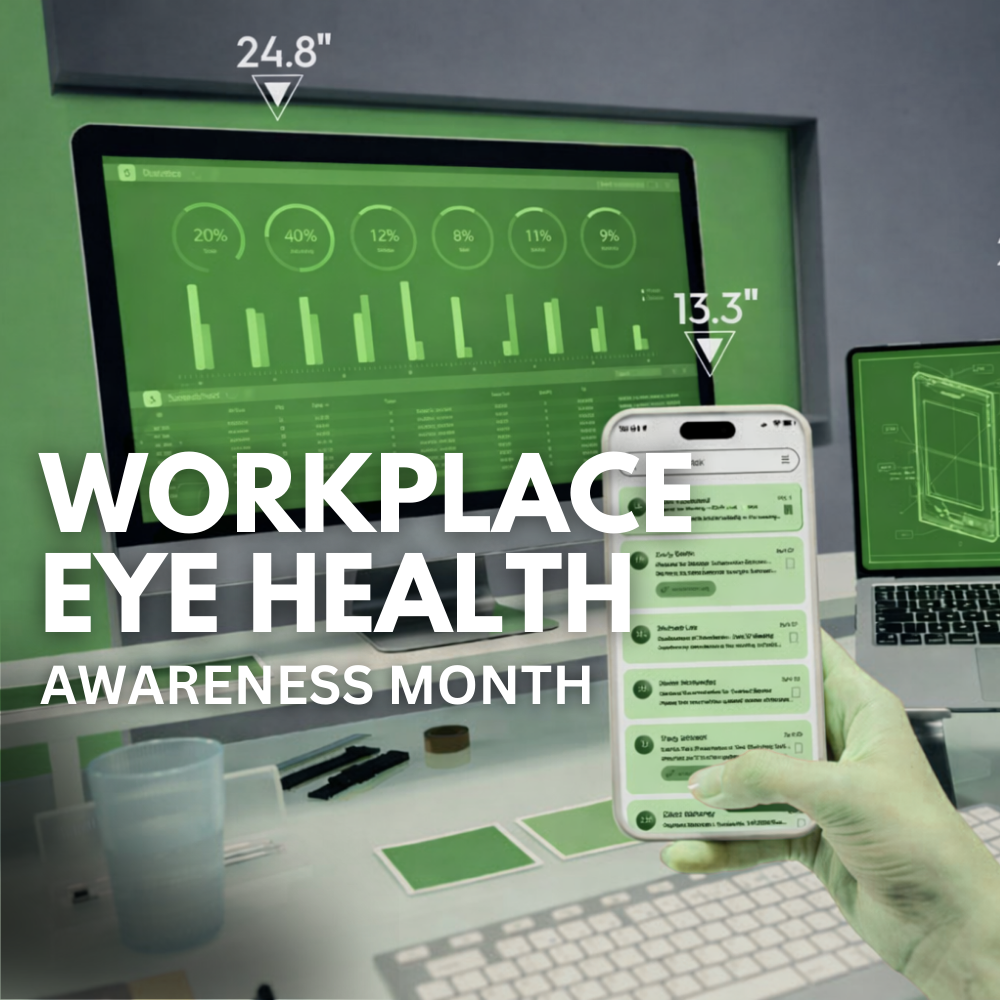
Workplace Eye Wellness Month: Beat Screen Strain (and Why “Computer Progressive” Lenses Can Be a Game-Changer)
If your workday lives on a screen, you’ve probably felt it: tired eyes, blurry moments, headaches, or that end-of-day “my eyes are done” feeling. March is Workplace Eye Wellness Month, a perfect time to reset a few habits—and make sure your eyewear is actually built for the way you work.
Digital eye strain (sometimes called computer vision syndrome) is typically temporary, but it can absolutely affect comfort, posture, and productivity. And here’s the part many people miss: even a small mismatch between your screen distance and your glasses can turn a normal day into a strain-fest.
Quick self-check: common signs your eyes are working too hard
If you notice any of these on workdays, your setup or prescription might need a tune-up:
Dry, burning, watery, or irritated eyes
Intermittent blur (especially when shifting from screen to phone to paperwork)
Headaches after long screen sessions
Neck/shoulder tightness (a sneaky one—often posture + lenses)
7 Practical Fixes You Can Do This Week:
1) Reposition your monitor (this matters more than you think)
A strong baseline:
Top of screen at or slightly below eye level
Center of screen about 15–20° below your straight-ahead gaze
If you wear multifocals (bifocals/progressives), you may need the monitor a bit lower to avoid lifting your chin. OSHA specifically calls out that bifocal wearers often tilt their head back to see the screen, which can fatigue the neck and shoulders.
2) Set the right screen distance
Prevent Blindness recommends placing your screen about 20–26 inches away and slightly below eye level.
3) Reduce glare first (then worry about “blue light”)
Glare forces your eyes to work harder. Start here:
Move screens away from direct window reflections
Use softer, indirect lighting
Consider an anti-reflective (AR) coating on your lenses for screen work (huge comfort upgrade for many people)
4) Use breaks that actually relax focusing
Short, frequent focus changes help. Many clinicians recommend the 20-20-20 style break (regularly look up and into the distance briefly), and reviews of digital eye strain management commonly include frequent breaks and distance refocusing as part of relief strategies.
5) Blink like it’s your job
When we stare at screens, we tend to blink less (and often blink incompletely), which contributes to dryness and irritation. Try this: every time you hit “send” on an email, do 2 slow, full blinks (close gently, pause, reopen).
6) Make text bigger than you think you need
If you’re leaning in, squinting, or hunching forward, the screen is effectively “too far” for your visual system. Bump font size up 10–20% and see how your posture changes.
7) Don’t ignore dry office air
HVAC + screen staring is a dry-eye combo. If you feel dry/irritated most workdays:
Ask us about dry eye screening
Consider lubricating drops (we can recommend options that fit contact lens wearers vs non-wearers)
Where Computer Progressive Lenses Fit In:
If you’re over ~40 (or already in progressives), this is the part that can make the biggest difference.
The problem with “regular” progressives at a computer:
Standard progressives are designed to do distance + intermediate + near—but computer work can force you into the lower part of the lens. Many people compensate by lifting the chin or craning the neck to find the clearest spot. Over time, that posture can be brutal on the neck and shoulders.
The solution: occupational / computer progressive lenses. “Computer progressives” (often called occupational progressives or office lenses) are designed with much wider near + intermediate zones, tuned specifically to:
Screen Distance
Desk/paperwork distance
Sometimes a “room” distance for meetings
The result: less searching for the clear zone, more comfortable posture, and often a noticeable drop in end-of-day fatigue—because your lenses match the way your eyes work at a workstation.
*Important Note: Many computer progressive designs are not meant for driving (distance range is limited), so they’re typically a second pair built for work.
Two Solutions: Varilux® Immersia™ Mid and Varilux® Immersia™ Room
These are occupational (workplace) progressives designed specifically for the distances you use most at a desk—screen, keyboard, paperwork, and in-office conversations.
Varilux® Immersia™ MID: clear vision out to about 5 feet (great for desk + screen + close collaboration).
Varilux® Immersia™ ROOM: extends that working range to about 10 feet (helpful if you’re in meetings, moving around an office, or frequently looking up to people/whiteboards).
There’s also real clinical support for occupational lenses reducing computer vision syndrome symptoms compared with standard progressive designs in presbyopic computer users.
Who should consider them?
You notice neck strain or “chin up” posture to see the screen
You wear progressives and spend 2+ hours/day at a computer
You’re constantly switching between screen + paperwork + phone
Your vision feels fine… but your comfort isn’t
What About Blue-light Lenses?
Blue light from digital devices is generally measured far below established exposure limits, and current reviews suggest it’s unlikely to pose an acute retinal hazard from normal device use—though sleep/circadian effects from nighttime light exposure are still a real consideration.
So if you want a simple priority list:
- Prescription accuracy + lens design for your work distance
- Glare control (AR coating) + ergonomics
- Consider blue-light filtering if you like the contrast/comfort or want help reducing nighttime stimulation
If you’re getting end-of-day blur, headaches, dry eyes, or neck tension from screen work, schedule a comprehensive exam and let us tailor your solution to your exact screen distance and posture. For many patients, pairing everyday progressives with a dedicated work lens like Varilux Immersia mid or Immersia room is the difference between “getting through the day” and feeling comfortable all day
Quick Links

All Eye
Care Services

Keep
In Touch
MAP
© 2026 InFocus Family Eyecare. All Rights Reserved. Accessibility Statement - Privacy Policy - Sitemap
Powered by: 